
Affiliate disclosure: As an Amazon Associate, we earn from qualifying purchases. We may also earn a commission through Walmart links, at no extra cost to you.
Premium car electronics • Research-based buying guide
Garmin Dash Cam X310: check the whole setup before you buy
A compact camera with 4K recording and touchscreen controls is appealing. The better buying question is whether its recording, parking-power and connectivity arrangement fits your car and routine.
Retailer search links. Check the exact X310 model, seller and bundle contents. Live prices and stock are not verified here.
The Garmin Dash Cam X310 deserves a shortlist if you want a premium front-facing camera with on-device controls. Our recommendation is conditional: budget for a compatible memory card and the power arrangement you need. If remote parking monitoring is your main goal, verify connectivity and subscription requirements before ordering. This is a specification-based review, not a hands-on road test.
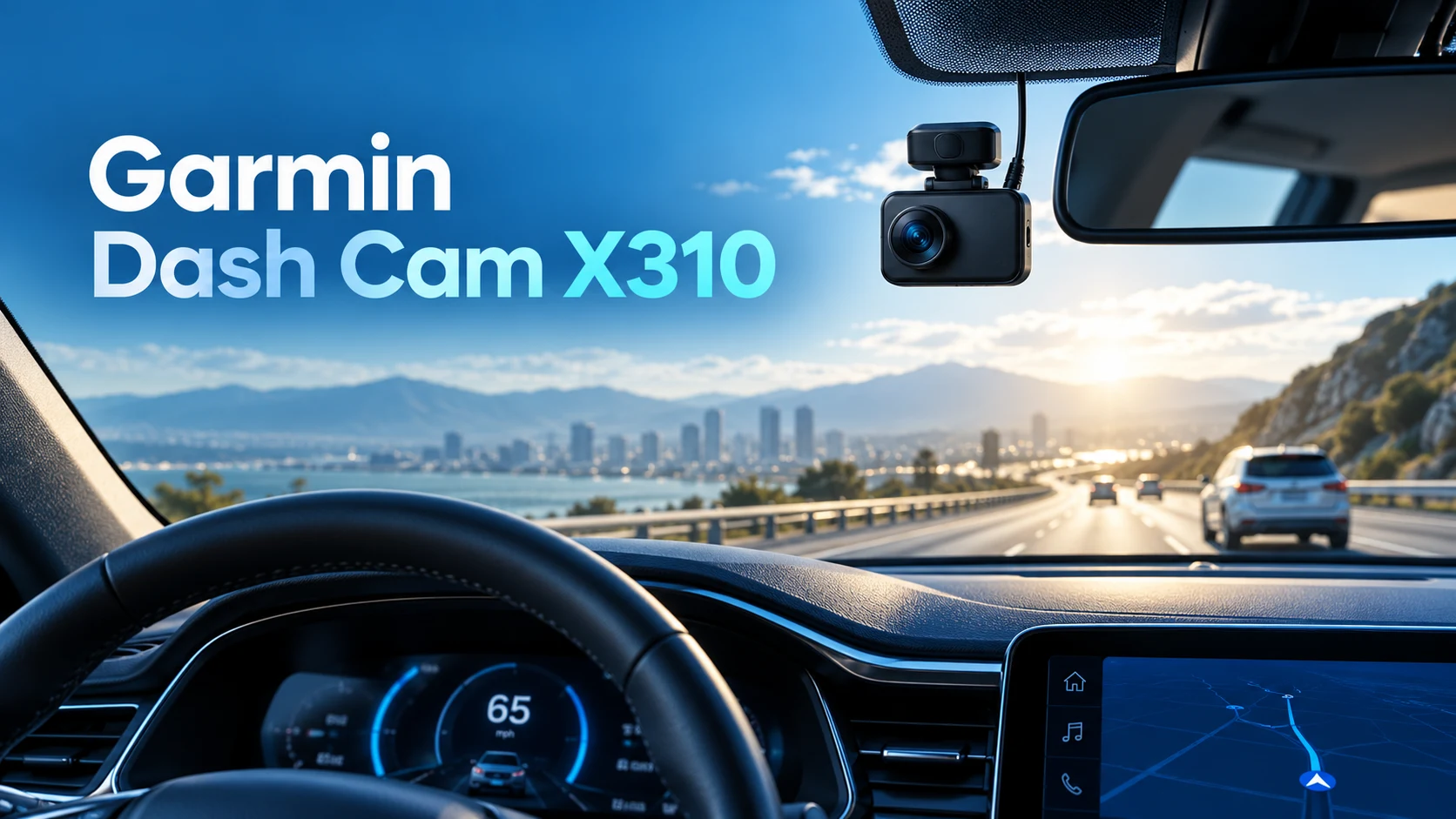
Featured image: AI-generated editorial illustration of a generic dash camera, not the actual Garmin X310.
Who should consider the Garmin Dash Cam X310?
Think about the moments when you would actually use a dash cam. A commuter might want a record of an unclear lane change. A road-trip driver might value convenient access to saved footage. Someone who parks on the street may be shopping primarily for incident notifications. Those needs overlap, but they do not lead to the same buying decision.
For a driver who wants a tidy front-camera setup and a screen for checking framing, the X310 is a sensible candidate to compare. For a shopper seeking the lowest total price, its premium positioning makes careful comparison especially useful. We would start with the features you will use every week, then price the complete setup rather than buying on resolution alone.
It is also worth deciding whether front-only coverage is enough. A camera pointing forward cannot document every angle around the car. If your main concern is a rear impact or an event inside a rideshare vehicle, write that requirement down before comparing models. Buying an expensive front camera first and solving missing coverage later can make a system more costly than expected.
Verified recording specifications
| Item | Garmin specification | Buying implication |
|---|---|---|
| Highest resolution mode | 3840 × 2160, 30fps, HDR | Choose this when prioritizing image detail. |
| High frame rate mode | 1920 × 1080, 120fps | This is Full HD, not 4K at 120fps. |
| Other listed mode | 1920 × 1080, 30fps, HDR | Compare its storage needs with your preferred mode. |
| Field of view | 140 degrees | Check the actual framing after mounting. |
| Display | 2.4-inch touchscreen | Useful for parked setup and review. |
| Memory specification | 8–512GB microSDHC/microSDXC, Class 10 or faster, exFAT | Use Garmin’s recommended-card guidance before purchasing. |
Sources: Garmin product information, recording modes and memory-card requirements. Specifications checked October 23, 2026.
Choose a mode for your actual priority
Our starting choice would be the 4K HDR mode for a driver who bought this model specifically for resolution. That is an editorial preference, not a measured result. If you prefer the high-frame-rate option, recognize the resolution tradeoff and compare sample recordings under conditions similar to your own routes before deciding.
Do not assume a specification guarantees readable plates in every situation. Distance, lighting, relative movement, weather and windshield condition can all affect what footage shows. We have not measured plate capture, low-light performance or file quality on this camera. Those are useful things to examine in independent sample footage before spending premium money.
What the polarizer and touchscreen add
Garmin lists a built-in Clarity polarizer intended to reduce windshield glare. We see that as a practical feature to assess rather than a promise that reflections disappear. When you install any dash camera, inspect the recorded image as well as the live preview. A reflection that seems minor on a small screen can still distract from an important area of the scene.
The touchscreen may suit a buyer who prefers checking settings directly on the device. Our advice is to complete setup, framing and menu changes while safely parked. Decide where the display sits in your line of sight before attaching the mount; a convenient menu is only useful if the installation also suits your driving position.
For a fair comparison with cheaper alternatives, separate features you value from features that merely sound premium. If you rarely touch a camera after installation, a screen may matter less to you than straightforward file access. If you regularly switch vehicles or adjust the framing, an on-device preview may be more useful. Let that routine guide the purchase.
Parking Guard: understand recording versus notifications
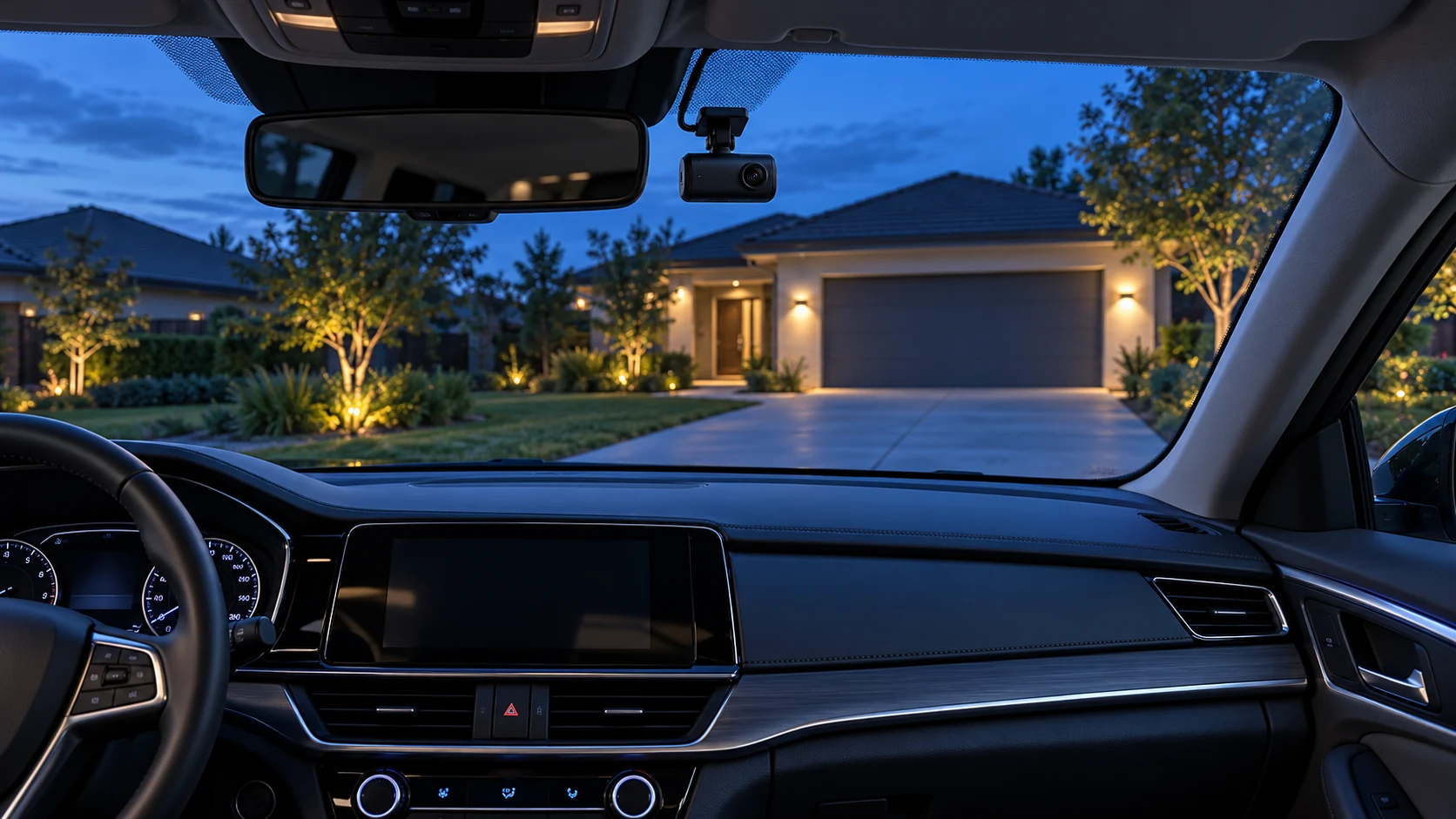
Garmin’s manual says Parking Guard can record when an incident is detected while the vehicle is parked. It also describes smartphone notifications with an active Vault subscription when the camera is connected to Wi-Fi. Those are different capabilities: recording an event locally and receiving a remote alert should not be treated as the same purchase benefit.
For connected surveillance, Garmin specifies constant power, an active Wi-Fi connection and the compatible Garmin Drive app. Do not assume remote notifications work in an arbitrary parking lot. Confirm the network and power arrangement where you actually leave your car.
Read Garmin’s Parking Guard explanation and X-series feature requirements before buying accessories.
Our practical suggestion is to sketch two scenarios on paper: recording while you drive and monitoring after you park. List what supplies power in each scenario, how you would retrieve a clip and whether your phone would receive an alert. Any unanswered line is something to resolve with the manufacturer or installer before checkout. This avoids paying for a feature you cannot use in your normal parking space.
Vault cloud storage and ongoing costs
Garmin’s Vault storage documentation requires a paid subscription for its cloud features and says the camera needs Wi-Fi for uploads. Availability varies by country. Review the current plan in the Garmin Drive app rather than relying on an old review’s monthly price. We have not verified current subscription pricing and do not include a fixed fee in this guide.
See the official Vault storage instructions. Decide whether remote access is valuable enough to become an ongoing expense. If you mainly want local driving footage, first understand that workflow and its requirements; then decide whether the connected extras solve an additional problem for you.
For a clearer budget, compare ownership over the period you expect to keep the camera. Put the camera, memory card, power accessories and installation in one column. Put any optional recurring service in another. A lower advertised camera price may have little influence on the final decision if the service or installation arrangement does not fit your budget.
Amazon vs Walmart: compare the same package
Neither retailer is declared the price winner here. The buttons open searches for Garmin Dash Cam X310, so check the product name carefully before purchasing. Results can contain accessories, older models, renewed items or different bundles. A search result is a starting point for comparison, not confirmation that a specific offer is available.
| Compare | What to check at both retailers |
|---|---|
| Exact item | X310 rather than X110, X210 or an accessory. |
| Condition and seller | New versus renewed, seller identity and warranty eligibility. |
| Bundle contents | Memory card, mounting items and power accessories explicitly included. |
| Delivered total | Taxes, delivery and any accessory purchases you still need. |
| Returns | Return window, exclusions and who handles the return. |
If one offer costs more but includes accessories you actually need, calculate the total before dismissing it. Conversely, a large bundle is not automatically better value: an unneeded accessory adds little to your setup. Save the listing details and order confirmation so you can compare what arrives with what was promised.
Compare value during seasonal sales
If you are shopping during Black Friday or another sale period, treat the discount label as a prompt to compare rather than a reason to rush. Write down the complete package you need and compare that same package across retailers. Check whether any coupon changes the return terms or whether a promotional bundle includes items you would otherwise buy. We have not verified a Black Friday offer for this model. A good purchase is one that fits your needs at a total you understand, with clear seller and return information.
A sensible installation and first-week checklist
Before fitting the camera, read the manufacturer’s mounting instructions and your vehicle’s relevant guidance. Plan a position that gives a useful view without obstructing your view of the road. If a permanent-power installation requires work beyond your experience, ask a qualified installer to specify a compatible arrangement. Avoid treating a general buying guide as a vehicle-specific wiring procedure.
- Confirm the order. Match the model and supplied accessories to the listing.
- Prepare compatible storage. Follow Garmin’s card and formatting instructions; preserve any files you need before formatting.
- Check framing while parked. Inspect a recording to see what is visible through your windshield.
- Learn clip retrieval. Practice finding and saving a harmless sample so the process is familiar.
- Review the parking arrangement. Confirm the power and connectivity requirements for the features you chose.
- Use the return window wisely. Check whether everyday usability matches your expectations.
Keep a short note of settings, accessory model numbers and where you saved the manual. This makes later troubleshooting easier and helps if you transfer the camera to another vehicle. If something behaves unexpectedly, document the exact symptom before changing multiple settings at once. Clear observations are more useful to support than a general report that a feature does not work.
Pros, limitations and our buying recommendation
Reasons to shortlist it
- 4K HDR mode for shoppers prioritizing resolution.
- Touchscreen for convenient on-device setup.
- Built-in polarizer as part of the camera design.
- Optional connected workflow for buyers who meet its requirements.
Reasons to compare alternatives
- A premium camera may exceed a simple recording budget.
- Connected parking use adds planning and potentially recurring cost.
- The front-facing view may not meet your desired coverage.
- Specifications cannot substitute for evaluating real footage.
Our recommendation is to buy for a defined use case. The X310 is appealing when a compact front camera, touchscreen and 4K mode are your priorities. We would pause if the purchase depends mainly on remote alerts but the parking location has no suitable connection or power plan. Resolve those practical questions before choosing a retailer.
For road-trip preparation beyond a camera, see our EcoFlow versus Jackery power-station comparison. For a broader explanation of dashboard electronics, read how digital gauges work in modern cars. These guides cover different parts of a vehicle setup; choose accessories for the task they actually solve.
Frequently asked questions
Does the Garmin X310 record 4K at 120fps?
No. Garmin lists 4K at 30fps with HDR. The 120fps option records at 1080p. Choose between those priorities in the recording settings.
Does every feature require a subscription?
Do not confuse local recording with cloud services. Garmin specifies a paid Vault subscription for its cloud functions. Check the requirements for the particular remote feature you want rather than assuming all functions have the same conditions.
What memory card should I buy?
Garmin lists 8–512GB microSDHC or microSDXC, Class 10 or faster, using exFAT. Check its recommended-card list and the exact retailer bundle before ordering a separate card.
Will parking notifications work anywhere?
Do not assume that. Garmin’s connected surveillance requirements include power, Wi-Fi, a compatible app and the applicable subscription. Confirm the arrangement in your regular parking location.
Is Amazon or Walmart cheaper?
We have not verified a live price winner. Compare the same model, condition, seller, bundle, delivery total and return terms using the retailer links.
Did Best Auto Products road-test this camera?
No. This article evaluates published Garmin specifications and buying considerations. It does not claim measured video quality, reliability testing or personal ownership.
About the author: Jake Morrison
Jake Morrison writes automotive buying guides for Best Auto Products. This guide separates manufacturer specifications from editorial buying advice. Product details were checked against the official sources linked above on October 23, 2026.