
Affiliate disclosure: As an Amazon Associate, we earn from qualifying purchases. We may also earn commissions through Walmart links, at no extra cost to you.
Choose the card before you need the footage
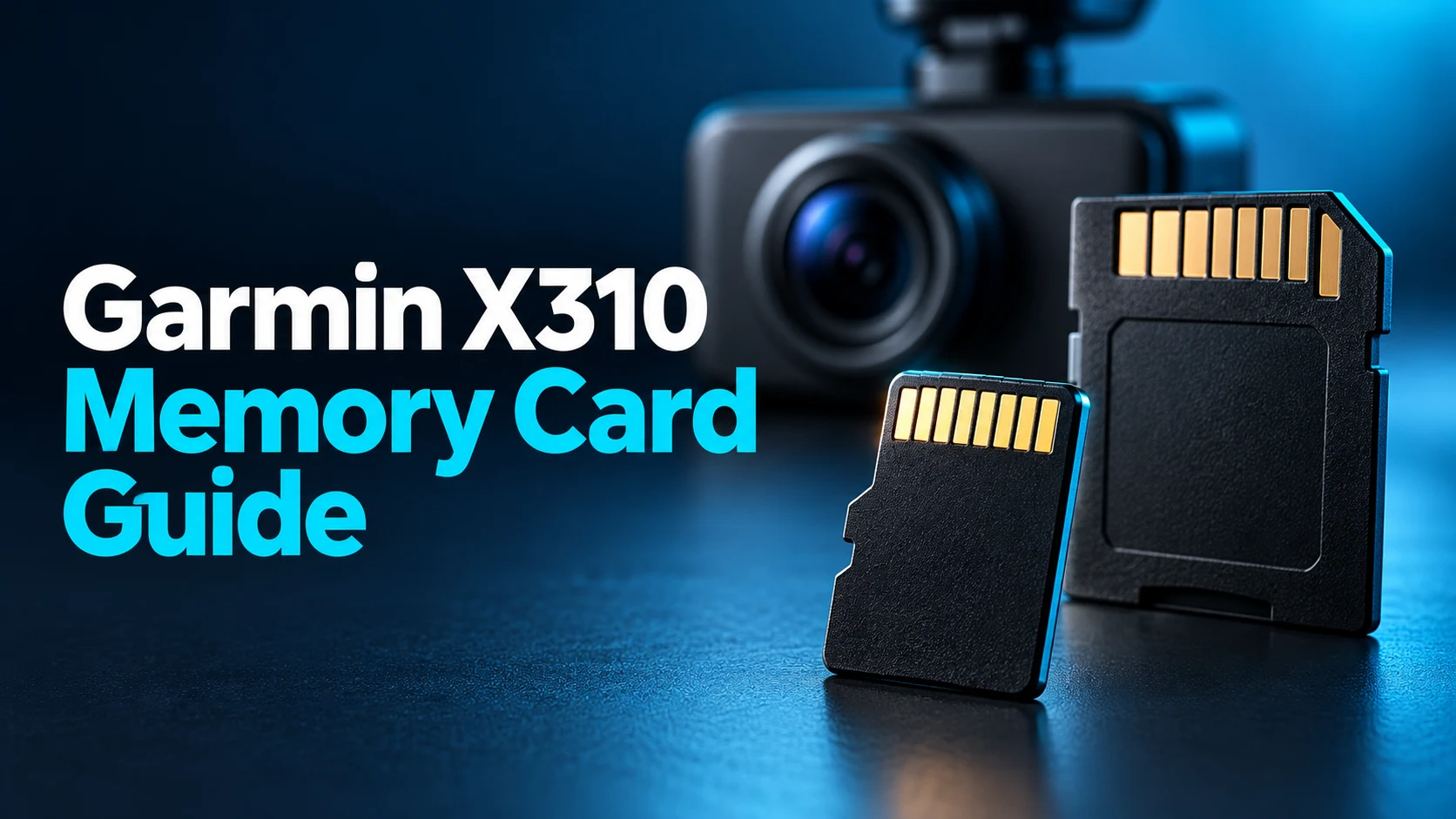
A premium dash camera needs storage that suits repeated recording. Start with the X310 requirements, choose a sensible capacity, and compare the exact card and seller before checkout.
These buttons open retailer searches. Prices, stock and specific offers have not been verified. Check compatibility before buying.
The Garmin Dash Cam X310 accepts microSDHC or microSDXC cards from 8GB to 512GB, rated Class 10 or higher, using exFAT. Our editorial starting point is a 128GB or 256GB endurance-focused card after checking Garmin’s current recommended-card guidance. This is a research-based buying guide; we have not tested these cards in an X310.
A memory card is easy to treat as an afterthought. Yet it is part of the recording system you will depend on after an unclear lane change, a parking incident or an interesting moment on a road trip. The aim is to choose storage deliberately and learn how to retrieve a clip while everything is working normally.
This guide concentrates on storage rather than reviewing the whole camera. If you are still deciding whether to buy the device, start with our Garmin Dash Cam X310 review. If you already own it, the sections below help you compare cards, prepare one and build a simple checking routine.
Garmin X310 memory card requirements
| Specification | Garmin requirement | What to check |
|---|---|---|
| Physical type | microSDHC or microSDXC | Buy a microSD card, not a full-size SD card. |
| Capacity | 8GB to 512GB | Do not assume a larger card is supported. |
| Speed class | Class 10 or higher | Read the exact product specification. |
| File system | exFAT | Prepare the card using the X310 instructions. |
Source: Garmin X310 memory-card specifications, checked October 26, 2026. Garmin also directs owners to its recommended-card guidance. Use that guidance to confirm your exact choice rather than treating a matching capacity as complete approval.
The distinction matters when comparing a retailer title with the box that arrives. A listing may combine several capacities, generations or product families on one page. Select the option you intend to buy, then check its model number and specification again. Do not rely on a review written for a different option in the same listing.
128GB vs 256GB vs 512GB: which size makes sense?
Our starting shortlist is 128GB or 256GB. That is an editorial budgeting recommendation, not a Garmin minimum or a measured retention guarantee. A smaller purchase can be reasonable when you regularly export clips and understand how your recording settings use space. A larger purchase makes sense when you want more room and the price difference fits your budget.
| Capacity | Editorial fit | Main tradeoff |
|---|---|---|
| 128GB | A starting point for routine driving and frequent clip checks. | Less storage headroom than larger options. |
| 256GB | Our first size to compare for a balanced purchase. | Compare the premium over the same 128GB family. |
| 512GB | Worth considering when storage headroom is the priority. | Higher capacity cannot guarantee reliability or preserve every clip. |
A useful comparison keeps the card family constant. Compare the 128GB and 256GB versions of the same endurance line before comparing a budget general-purpose card with a larger endurance model. Otherwise, you are changing several variables at once and may attribute a price difference entirely to capacity.
Think about your export habits as well. If you tend to leave the camera untouched for weeks, buying more capacity does not solve the problem of never checking the recordings. Whatever size you choose, create a routine that confirms clips are present and readable. Storage capacity and a backup habit solve different parts of the problem.
How much recording time will a card hold?
There is no useful single answer without the recording bitrate and the space available for that footage. Resolution labels alone do not give the complete file size. If you need a specific retention target, consult Garmin’s recording-mode information and verify the results on your own setup before depending on a particular number of hours.
For planning, the arithmetic is straightforward: approximate hours equal usable decimal gigabytes multiplied by 8,000, divided by bitrate in megabits per second, divided by 3,600. This is a calculation method rather than a statement of the X310’s bitrate. It excludes space used by other files and overhead.
For example, a hypothetical 128GB of usable space at a hypothetical 40Mbps works out to about 7.1 hours. Doubling usable space doubles that theoretical result at the same bitrate. Neither number is a tested X310 recording duration. Treat estimates as a way to compare scenarios, then check actual recordings and the camera’s storage behavior.
Why consider an endurance-focused card?
Garmin’s compatibility guidance highlights that dash-camera recording is a high-endurance use and that using a card outside its intended application can affect operation or warranty coverage. Read the card maker’s terms as well as the camera’s requirements. An endurance label is useful screening information, but it is not a promise that the card will never fail.
Source: Garmin memory-card compatibility guidance.
For our shopping shortlist, we would prioritize a card explicitly marketed for dashboard or surveillance recording, supplied by a seller with clear returns. We would then confirm that the exact capacity and model meet the camera guidance. This order helps avoid being distracted by a very large advertised transfer-speed number that says little about your actual buying priorities.
Two product families to investigate
Samsung PRO Endurance 256GB
Samsung describes its PRO Endurance line as intended for monitoring applications, including dash cameras. Its U.S. 256GB product information lists U3 and V30 ratings. This makes it a relevant family to investigate; it does not establish that we or Garmin have validated your exact retailer SKU in an X310.
Read Samsung’s product specifications and confirm the current Garmin recommendation before ordering.
SanDisk High Endurance 256GB
SanDisk positions this family for continuous video uses and lists Class 10, U3 and V30 for the linked model. Compare its exact product code, capacity and warranty with the Samsung option. We have not measured comparative lifespan or reliability, so neither receives a tested-performance award here.
Read SanDisk’s product specifications, then check the camera maker’s current guidance.
Manufacturer endurance claims often depend on particular test settings and capacities. Avoid comparing headline recording-hour numbers as though they were produced by the same test. For this guide, the buying decision rests on intended use, camera guidance, seller quality and total price; it does not rest on a claim that one card will last a specified number of years in your car.
Amazon vs Walmart: compare the exact memory card
We have not verified a live price winner. The shopping buttons open searches, which may contain different capacities, older packaging, multi-packs or unrelated accessories. Check the selected option carefully before using a displayed price in your comparison.
| Comparison point | Amazon check | Walmart check |
|---|---|---|
| Exact product | Family, capacity and model code. | The same family, capacity and code. |
| Seller | Seller identity and return handling. | Retailer versus marketplace seller. |
| Package | Single card or multi-pack; adapter included? | Match the package before comparing. |
| Delivered total | Delivery, taxes and applicable discounts. | Delivery, taxes and applicable discounts. |
| Protection | Return window and warranty eligibility. | Return window and warranty eligibility. |
A slightly lower price may be less attractive if the listing does not clearly identify the product or who handles a return. Equally, a higher price does not prove authenticity or better service. Read the offer details, keep the order confirmation and inspect the packaging when it arrives. Choose evidence over assumptions about either marketplace.
Black Friday shopping checklist
If you are buying ahead of Black Friday, save the exact product and capacity you want now. Compare later offers against that selection rather than switching to an unfamiliar card because its discount looks larger. A sale can be useful when it reduces the cost of a suitable purchase; it cannot make an incompatible card a good choice.
Record the delivered total you are willing to pay and whether an adapter matters to you. An SD adapter may help with a particular computer reader, but the camera uses the microSD card itself. Do not pay extra for a bundle solely because it contains accessories you have no plan to use. No Black Friday discount or availability is claimed in this guide.
How to format a card in the X310
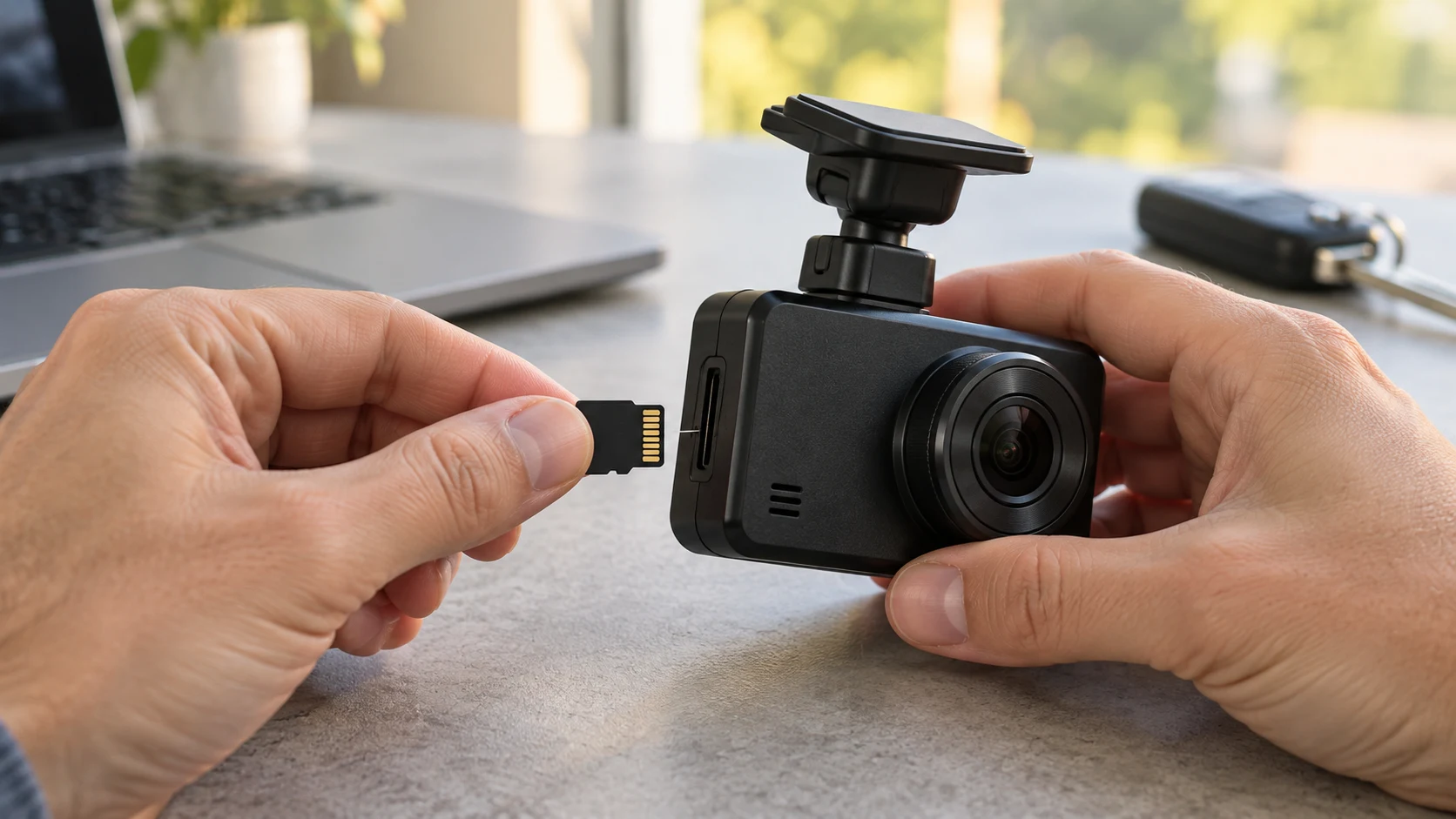
Formatting erases the videos and other data on the card. Copy anything you need to another location and check that the copied files open before proceeding.
- With the car safely parked, connect the camera to power.
- Swipe left to open its menu.
- Choose Settings → Camera → Format Card.
- Leave power connected until the operation finishes.
Garmin says the camera displays a completion message and resumes recording. Its manual recommends formatting at least once every six months and preparing new cards that are not already exFAT. Follow the current on-device prompts and the official X310 formatting instructions.
After setup, make a short, harmless sample recording and practice retrieving it. The purpose is to learn the workflow before you need an important clip. If the camera reports an error or the sample is unreadable, resolve that issue rather than assuming the formatting step proved everything was healthy.
What to do about memory-card errors
Garmin’s troubleshooting guidance says to try formatting when the device reports a memory-card error, then replace the card if necessary. Preserve important files first whenever possible. See its degraded-card troubleshooting instructions; do not interpret repeated warnings as something to ignore indefinitely.
For support, write down the exact message, card model, capacity and whether the problem appears during driving, startup or parking use. Change one thing at a time so you can describe what helped. If you try another card, verify that replacement against the same requirements rather than substituting an unknown spare.
A useful maintenance habit is to check a recent recording periodically and before a long trip. Keep a reminder with your other car-preparation tasks. Our battery maintainer versus trickle charger guide covers a separate storage concern, while the EcoFlow versus Jackery comparison discusses portable power for travel. None replaces checking that your camera can record and retrieve footage.
Frequently asked questions
Does a faster card automatically make the video clearer?
Do not buy on that assumption. Choose storage that meets the camera requirements, then assess the camera’s recording settings and actual footage. This guide does not claim a picture-quality improvement from changing between suitable cards.
Should I choose 128GB or 256GB?
Compare 256GB first if the premium fits your budget; 128GB remains a reasonable starting point for someone who exports footage frequently. These are editorial shopping preferences, not measured retention guarantees.
Can I use a 1TB card in the X310?
The published limit is 512GB. Stay within Garmin’s supported range rather than assuming a larger card works because it physically fits.
Is every high-endurance card officially approved?
No approval is implied by the label alone. Check the exact model against Garmin’s current guidance and review the card maker’s application and warranty terms.
Is Walmart cheaper than Amazon?
No live winner has been established here. Compare the same card, capacity, seller terms and delivered total using the search links above.
Our buying recommendation
Start with a suitable endurance-focused 128GB or 256GB model, verify the exact choice with Garmin, and compare trustworthy offers for that same item. Move to a larger supported capacity when you have a clear storage reason. Learn clip retrieval and check real recordings so the purchase becomes a working routine rather than an unchecked accessory.
About the author: Jake Morrison
Jake Morrison writes automotive buying guides for Best Auto Products. This article combines linked manufacturer specifications with editorial shopping advice. It does not claim hands-on card testing, measured lifespan or verified retailer pricing. Sources checked October 26, 2026.