
Affiliate disclosure: As an Amazon Associate I earn from qualifying purchases. We may also earn a commission through Walmart links. Shopping buttons open search results; verify the exact model, package and seller before ordering.
Quick verdict: buy it for a separate navigation screen
The Garmin DriveSmart 76 is worth shortlisting if you want a dedicated map display in a car without satisfactory built-in navigation. It is harder to justify when your existing phone setup already works comfortably. Our recommendation depends on how much you value a separate screen, rather than an assumption that a standalone GPS always gives better routes.
This Garmin DriveSmart 76 review is a research-based buying assessment using Garmin product information and owner documentation. We have not road-tested this device or independently measured its routing speed, display visibility, voice recognition or battery runtime. Buying recommendations below are editorial judgments.
Garmin DriveSmart 76 review: the essentials
| Item | What to know | Buying implication |
|---|---|---|
| Product type | Dedicated car GPS navigator | Plan space for an additional mounted device |
| Display class | 7 inches | Check sightlines and reach from your seating position |
| U.S. model reference | 010-02470-00 | Confirm regional map coverage on the exact listing |
| Dash camera | No built-in dash cam on DriveSmart 76 | Do not confuse it with DriveCam 76 |
| Map maintenance | Wi-Fi updates or Garmin Express | Allow time to update before a trip |
| Power | Vehicle cable; internal rechargeable lithium-ion battery | Plan around vehicle power for driving |
References: Garmin U.S. product page and official power and battery specifications. Features and maps can differ between regional versions.
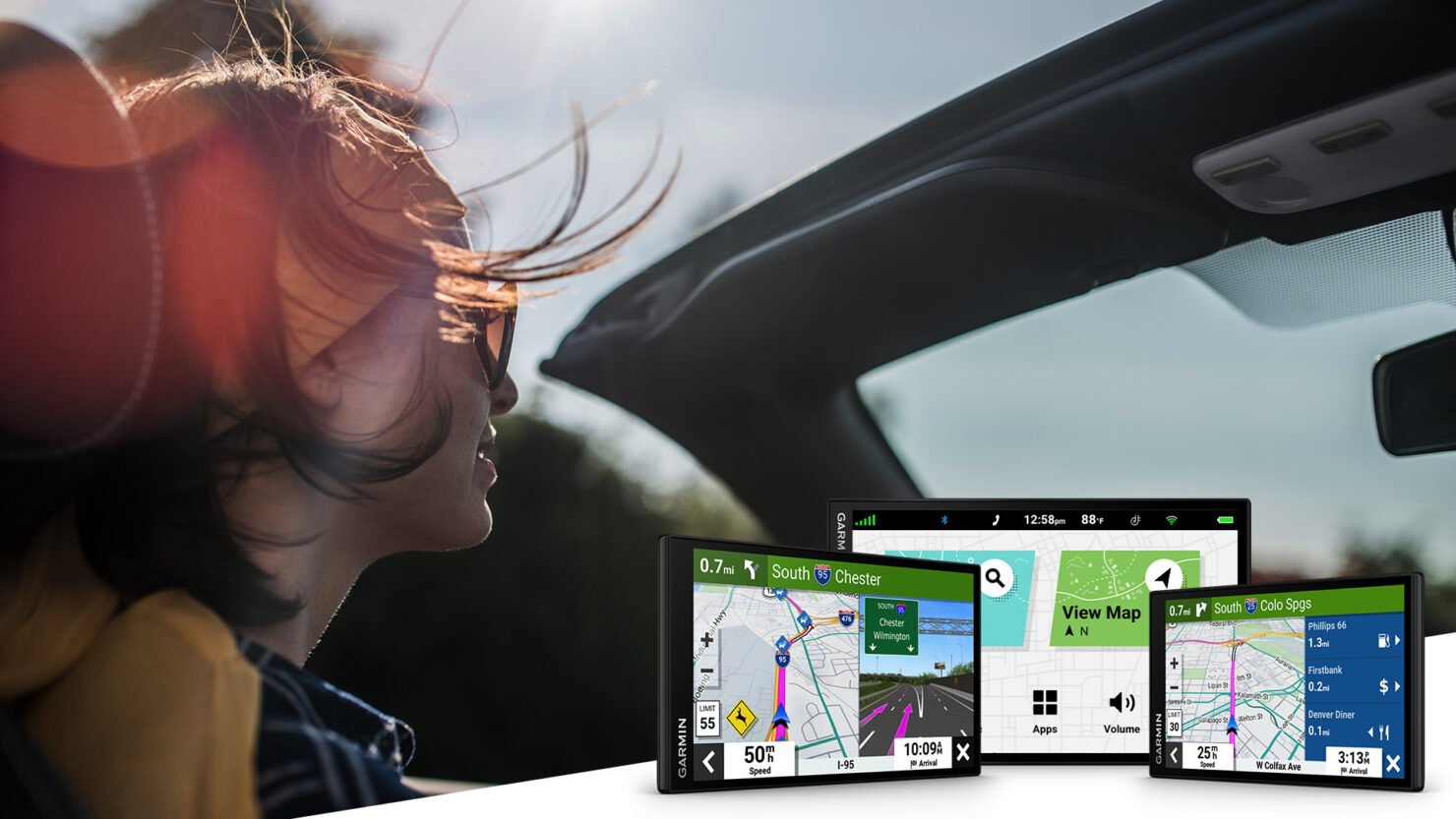
Featured image credit: Garmin DriveSmart series press image, used as a series illustration. It is not a photograph from our own testing. Original Garmin announcement.
Who should consider buying it?
Our best-fit buyer regularly drives unfamiliar routes, prefers leaving a map on its own screen and is willing to maintain a separate device. That could be an owner keeping an older car for several more years. Start with the practical question: where would the navigator sit, and would you actually use it every week?
A passenger who plans routes may also appreciate a consistent navigation setup across trips. However, buying a device does not remove the need to check destinations, select sensible routes and respond to real road conditions. We would not purchase it solely because a listing describes it as premium.
DriveSmart 76 versus phone navigation
| Your priority | Buying assessment |
|---|---|
| A separate screen for directions | The clearest reason to consider DriveSmart |
| Lowest additional spending | Try improving your current phone mount and charging setup first |
| Fewer devices in the cabin | Use the navigation system you already find comfortable |
| Recording road incidents | Shop for a dash camera; DriveSmart 76 does not fill that role |
| Commercial truck or RV routing | Investigate equipment intended for your vehicle requirements |
This comparison is about ownership choices. We have not run a controlled route comparison against Google Maps, Apple Maps or another navigator, so we cannot declare a routing-accuracy winner.
Traffic and live features: understand the phone connection
Garmin documents live traffic, weather and smart notifications through the Garmin Drive app. For smartphone-delivered traffic, the device connects to a compatible phone running that app. The company describes this traffic feed as subscription-free; that does not eliminate your phone’s connectivity or data requirements.
Before relying on connected features, check current app compatibility with your phone. Garmin’s documentation also says the app must be running for Alexa and live services. We would evaluate the navigator’s core purpose first and treat optional voice services as an additional convenience whose availability needs checking.
Read Garmin’s live-services explanation and smartphone traffic instructions. Set up destinations while parked and avoid interacting with notifications while driving.
Map updates are part of ownership
Garmin supports map and software updates over an internet-connected Wi-Fi network. Its instructions call for external power and maintaining the connection until installation finishes. Downloads can be large, so do this before departure rather than assuming a quick update at a rest stop.
A computer with Garmin Express is another supported update route. Garmin notes that a map update exceeding internal storage can require a microSD card. Do not add a card to your shopping basket automatically: check the actual device and update requirements first.
Official instructions: Wi-Fi updates and Garmin Express updates.
Advantages and trade-offs
| Reasons to shortlist it | Ownership trade-offs |
|---|---|
| Dedicated navigation display | Another device to mount, power and store |
| 7-inch screen class | Check whether it obstructs your view in a smaller cabin |
| Wireless map-update option | Updates still need preparation, power and connectivity |
| Connected traffic information | Requires the appropriate phone/app setup for that feed |
We would prioritize the first week of ownership over a long feature list. If you dislike mounting hardware or managing cables, those annoyances may outweigh the appeal of a larger map. If a separate screen solves a recurring frustration, the purchase has a clearer purpose.
Amazon versus Walmart: compare the complete offer
We have not verified live marketplace prices, stock or delivery times. Neither store is presented as the cheaper option. Open both searches and compare equivalent listings at checkout.
| Check | Amazon | Walmart |
|---|---|---|
| Exact version | Match model and map region | Match model and map region |
| Condition | Check new, renewed or used | Check new, refurbished or used |
| Complete price | Include tax and delivery | Include tax and delivery |
| Seller and returns | Read the specific seller’s terms | Read marketplace seller terms |
| Included equipment | Verify mount and vehicle power items | Verify mount and vehicle power items |
See Amazon optionsSee Walmart options
Before you order
- Confirm the map region covers where you will drive.
- Check mounting position, visibility and local mounting requirements.
- Read the exact package contents and budget for anything missing.
- Verify app compatibility if connected features matter.
- Compare the full delivered price and return policy.
If recording is the real goal, read our Garmin Dash Cam X310 review. For another dedicated recording option, see the THINKWARE U3000 PRO review. These are different product categories, not substitute navigators.
Frequently asked questions
Does Garmin DriveSmart 76 include a dash cam?
No. Do not confuse DriveSmart 76 with the similarly named DriveCam 76. Verify the model before ordering.
Does traffic require a smartphone?
The smartphone traffic method documented here requires a compatible phone running Garmin Drive. Confirm the traffic arrangement on your exact regional package.
Can maps be updated without a computer?
Yes. Garmin documents Wi-Fi updates with internet access and external power. Garmin Express on a computer provides another method.
Is it worth buying if my phone navigation works well?
Only if a separate display solves a problem that matters to you. Try your existing setup on a normal journey before spending on another device.
Which retailer has the lowest price?
We have not checked live checkout totals. Compare matching versions, included equipment, seller terms and delivery charges.
Our buying recommendation
The Garmin DriveSmart 76 makes the most sense when you actively want a dedicated navigation screen and will use it regularly. Confirm regional coverage and mounting fit, then compare complete retailer offers. If your current navigation already meets your needs, keep the money for a more useful upgrade.