
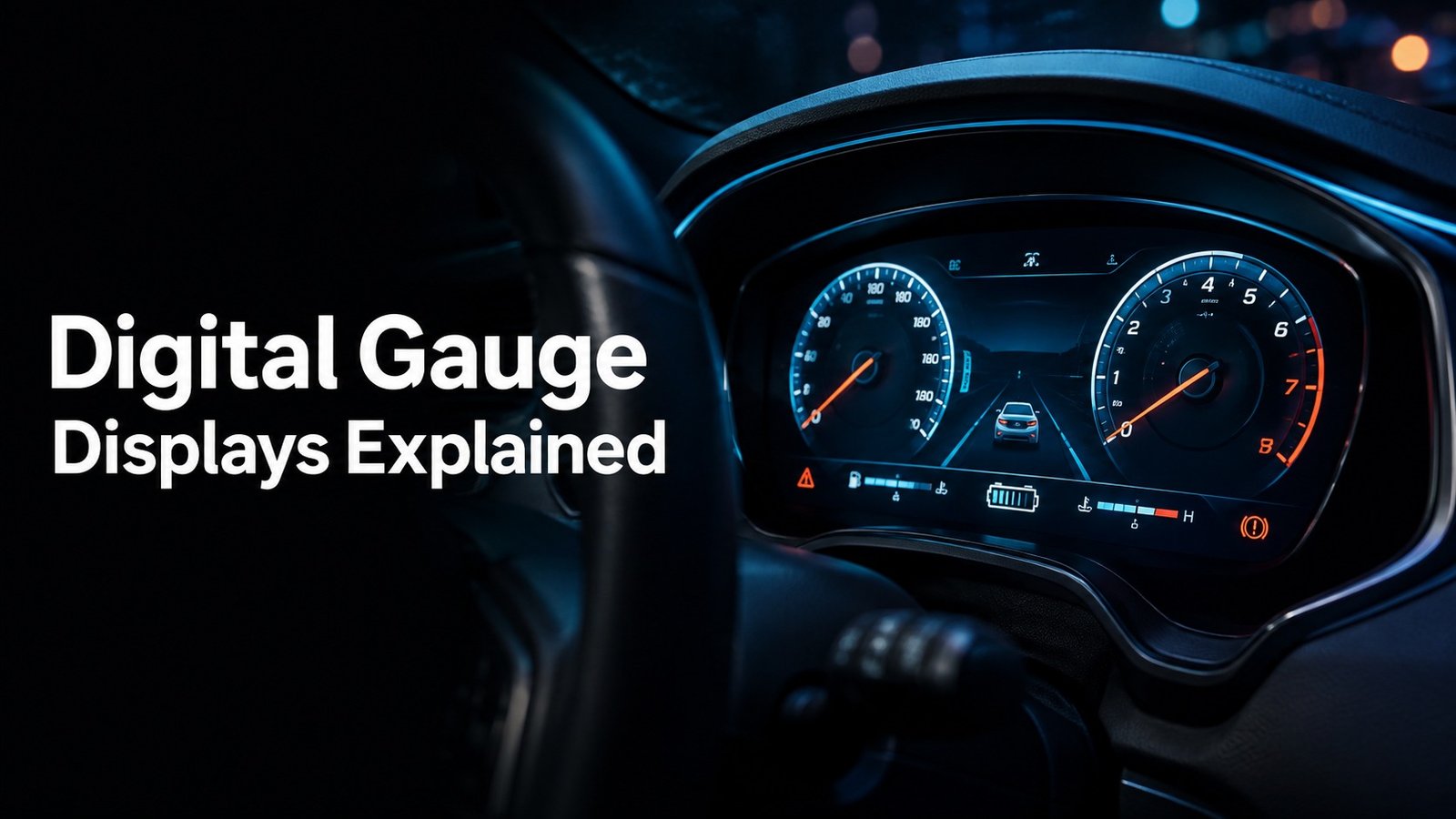
The digital gauge display shows the most important driving data in one place, usually including speed, engine RPM, fuel or battery level, coolant temperature, warning lights, odometer, and trip information. In many newer vehicles, it can also show gear position, estimated range, tire alerts, navigation prompts, and EV-specific data such as battery charge and regeneration status.
When I explain what the digital gauge display shows, I’m really talking about the information your car puts right in front of you while you drive. It replaces or supplements old analog dials with a screen that can change based on driving conditions.
That makes it easier to see what matters fast. It also means the display can do more than a traditional cluster, especially in newer cars, trucks, hybrids, and EVs.
What the Digital Gauge Display Shows in a Vehicle
| Common display item | What it tells the driver | Why it matters |
|---|---|---|
| Speed | How fast the vehicle is moving | Helps with safe driving and legal speed compliance |
| Engine RPM | How hard the engine is working | Useful for shifting, towing, and fuel efficiency |
| Fuel level or battery charge | How much driving range remains | Helps avoid running out of fuel or charge |
| Coolant temperature | Whether the engine is running too hot | Can help prevent overheating damage |
| Warning lights | Alerts about systems that need attention | Can warn of a safety or mechanical issue |
| Odometer and trip data | Total miles and trip mileage | Useful for maintenance and travel tracking |
Speed, engine RPM, fuel level, and coolant temperature
These are the core readings most drivers expect to see. Speed tells you how fast you’re moving. RPM shows how high the engine is spinning, which matters when you shift, accelerate, tow, or climb hills.
Fuel level or battery charge tells you how much usable energy you have left. Coolant temperature helps you spot overheating before it becomes a bigger problem.
Many digital clusters can change what they emphasize. For example, a sport mode may make RPM more prominent, while an efficiency mode may highlight range and fuel use.
Warning lights, gear position, odometer, and trip data
The digital gauge display also shows status information. That includes the gear you’re in, the odometer, trip miles, average fuel economy, and service reminders. Warning lights may appear as icons, text, or both.
If you want a reliable reference for common dashboard symbols, I recommend checking your owner’s manual and the manufacturer’s support pages. For example, Ford publishes useful owner resources at Ford owner support, and the basic meaning of many warning lights is also explained by the National Highway Traffic Safety Administration at NHTSA vehicle safety technology resources.
Vehicle-specific readouts on EVs, hybrids, and modern dashboards
On EVs and hybrids, the display often shows battery state of charge, estimated range, energy use, charge status, and power flow. Some vehicles also show regenerative braking activity, battery temperature, or charging speed.
Modern dashboards may add navigation prompts, drive mode status, lane-keeping alerts, tire pressure, and driver-assist warnings. In other words, the digital gauge display is not just a speedometer anymore. It’s a live info center.
What Each Digital Gauge Reading Means for the Driver
Speed is the number you check most often, because it directly affects safety and legality. RPM matters when you want to keep the engine in a useful operating range, avoid lugging, or know when to shift in a manual or performance-oriented vehicle.
Fuel and battery readings help you plan your next stop. Range is only an estimate, so I treat it as a guide, not a promise. Driving style, temperature, load, and traffic can all change how far you really go.
High coolant temperature can point to low coolant, a failing fan, a thermostat issue, or another cooling-system fault. Tire pressure alerts may mean a slow leak, a temperature drop, or a sensor issue that needs attention.
Some icons are informational, but others signal a real safety risk. A red oil pressure light, overheating warning, brake warning, or charging-system alert should never be ignored. Those are the kinds of messages that can turn into expensive damage fast.
If a warning light appears with a chime, message, or red symbol, treat it as urgent until you know what it means. The display may be giving you a chance to stop damage before it gets worse.
Digital Gauge Display Features Found in Different Vehicle Types
| Vehicle type | Typical display setup | What stands out |
|---|---|---|
| Older or budget vehicles | Mostly analog gauges with a small digital screen | Basic speed, odometer, fuel, trip data, and warning icons |
| Newer cars | Fully digital or mixed digital-analog clusters | Custom layouts, navigation, driver-assist info, and multiple display modes |
| Trucks and SUVs | Large displays with towing and off-road data | Tire pressure, trailer status, incline, pitch, and tow settings |
| EVs and hybrids | Battery-focused digital clusters | Charge level, range, energy flow, regen braking, and charging info |
| Performance models | Track-style digital clusters | Lap timers, boost, oil temp, RPM emphasis, and drive modes |
Standard clusters in older and budget vehicles
In older cars and lower-cost models, the digital gauge display usually handles the basics. You’ll often see the odometer, trip meter, fuel gauge, and a few warning lights. The rest of the cluster may still use physical needles.
This setup is simple and easy to live with. It gives you the essentials without a lot of extra menus.
Fully digital instrument clusters in newer cars
Newer vehicles often use a full-screen instrument panel. That lets the automaker change the layout depending on drive mode, speed, or driver preference. Some systems can even show different information on the left and right sides of the display.
That flexibility is helpful, but it also means drivers need to learn where things are. The layout is not always the same from one model to the next.
Digital displays in trucks, SUVs, EVs, and performance models
Trucks may show towing details, off-road data, and trailer-related alerts. SUVs often emphasize navigation, terrain modes, and safety systems. EVs focus on battery and range. Performance cars may highlight RPM, boost, lap timing, and oil temperature.
Head-up displays vs. center-screen gauge displays
A head-up display projects key info onto the windshield or a combiner screen. A center-screen gauge display places the information in the middle of the dash or infotainment area. Both can work well, but I prefer whichever keeps my eyes closer to the road and shows the data I need most often.
How the Digital Gauge Display Helps with Safe Driving
The best digital gauge display is the one that gives you the right information without forcing you to hunt through menus while driving.
- Key data is visible at a glance
- Warnings stand out clearly
- Brightness is easy to adjust
- Menus are simple and intuitive
- Important alerts are buried in menus
- Screen glare makes it hard to read
- Icons are confusing or too small
- The display distracts you more than it helps
Reducing distraction by putting key data in one place
A clear digital cluster can reduce the need to look around the cabin for information. Instead of checking separate gauges, you get speed, warnings, fuel, and trip data in one view.
Improving reaction time to warning signals
When a warning is obvious, you can react sooner. That matters with overheating, low oil pressure, charging faults, and brake-related alerts. Fast reaction can keep a small problem from becoming a major repair.
Supporting fuel-efficient and smoother driving habits
Digital displays can help you drive more smoothly by showing instant fuel economy, RPM, or energy use. That feedback makes it easier to avoid hard acceleration and wasteful driving habits.
- Keep the display in a layout you can read without leaning forward.
- Use night mode or auto-dimming after dark to cut glare.
- Learn which warnings are red, amber, and informational on your specific vehicle.
- Watch range numbers as estimates, not guarantees.
Common Problems When the Digital Gauge Display Is Hard to Read
- Check brightness settings first
- Look for blown fuses or loose connections
- Note any warning lights that appear with the issue
- Compare the display behavior in day and night modes
- Assume a blank screen means the car is fine
- Ignore flickering or freezing
- Keep driving with a red warning light without checking it
- Reset the battery repeatedly without finding the cause
Dim screen brightness or failed backlighting
If the display is too dim, the issue may be a brightness setting, auto-dimming, or a lighting fault. In some vehicles, the dashboard illumination is tied to the headlight switch or ambient light sensor.
Flickering, freezing, or missing segments
Flicker or frozen graphics can point to a software glitch, a weak electrical connection, or a failing display unit. Missing segments on older digital readouts often mean the screen itself is wearing out.
Wrong readings from sensors or electrical faults
Sometimes the screen is fine, but the data behind it is wrong. A bad sensor, low battery voltage, corroded connector, or wiring problem can send bad information to the cluster.
When a dashboard warning should be diagnosed by a mechanic
If the display shows repeated warnings, inconsistent readings, or a red alert that returns after restart, I’d have it checked. Modern vehicles are networked, so one fault can affect several systems at once.
The display is blank, the car shows multiple warning lights, or the readings look wrong even after you check settings and restart the vehicle. A scan tool can usually help pinpoint whether the issue is the cluster, a sensor, wiring, or a low-voltage problem.
Tips for Understanding the Digital Gauge Display More Quickly
Every brand uses some of the same symbols, but not all of them. A few minutes with the manual can save a lot of guessing later.
Set the brightness, layout, and theme so the screen is easy to read in sunlight and after dark. A good setup reduces eye strain.
Don’t get distracted by entertainment, navigation, or performance data if a warning light is active. Safety alerts come first.
Trip mileage, average consumption, and range estimates help you decide when to refuel or recharge before you’re in a rush.
Spend five minutes parked learning your cluster menus before your next road trip. That small step can make the display much easier to use when you actually need it.
Pros and Cons of a Digital Gauge Display
- Clear, modern look
- Custom layouts and themes
- Better visibility of alerts and vehicle stats
- Can show more data than analog gauges
- More complex electronics
- Screen glare in some lighting conditions
- Higher repair cost if the display fails
- Dependence on software and sensors
Pros: clearer information, customization, and modern styling
One big advantage is flexibility. The display can change based on driving mode, show different data at different times, and present information in a cleaner layout than older analog clusters.
Pros: better visibility of alerts and vehicle stats
Digital displays can make warnings stand out and give you more detail about what the car is doing. That helps when you want quick answers without guessing at a gauge needle.
Cons: complexity, repair costs, and screen glare
The downside is that more technology can mean more things to fix. A damaged screen or failing module may cost more to repair than a basic analog gauge. Bright sunlight can also make some screens harder to read.
Cons: dependence on electronics and software
Because the display depends on software, sensors, and networked modules, a fault in one area can affect the whole cluster. That’s why electrical issues can be trickier than a simple mechanical gauge problem.
The digital gauge display is your vehicle’s main information screen for driving, warnings, and system status. If you understand the symbols and know what normal readings look like, you can spot problems sooner and drive with more confidence.
What to Do If Your Digital Gauge Display Stops Working
Make sure the screen isn’t simply dimmed all the way down or set to a mode that hides key information. Then check the fuse panel if your vehicle manual says the cluster has a dedicated fuse.
Some electronic glitches clear after a restart. If the display comes back but warning lights stay on, the issue may still need attention.
A weak battery or charging problem can cause strange cluster behavior. If you’ve had slow cranking, dim lights, or recent jump-starts, that matters.
If the display stays blank, flickers often, or shows incorrect data, a shop can scan the vehicle for faults and test the cluster, wiring, and related modules.
The cluster loses power, the vehicle shows multiple electrical symptoms, or the screen fails again after a restart. At that point, I’d stop treating it like a simple settings issue and move to diagnostics.
Common Questions About What the Digital Gauge Display Shows
No. Most cars show basics like speed, fuel, and warning lights, but the exact layout depends on the brand, model, trim level, and model year. Some vehicles show far more data than others.
Sometimes, yes. A display may show temperature changes, oil pressure warnings, charging faults, or message alerts before a full check engine light appears. Still, not every problem will show early warnings.
If the display is blank but the car still runs, you may be able to move it a short distance, but you lose important safety and status information. If warning lights are also missing, I’d treat it as a problem that needs prompt diagnosis.
An analog cluster uses physical needles and dials. A digital gauge display uses a screen to show the same data, and it can often change layouts, colors, and screen content depending on the vehicle.
Many vehicles are designed to emphasize different information in different modes. Sport mode may highlight RPM and performance data, while eco mode may focus on efficiency, range, or fuel economy.
It depends on the fault. A fuse, setting, sensor, or software issue may be repairable. A failed screen, broken circuit board, or damaged cluster module may require replacement or reprogramming.
- The digital gauge display shows speed, RPM, fuel or battery level, temperature, and warning lights.
- Newer vehicles can add range, trip data, navigation, drive modes, and EV-specific battery info.
- Warning symbols matter most when they are red, persistent, or paired with a chime.
- Readability issues often come from brightness settings, electrical faults, or failing hardware.
- If the display goes blank or shows wrong data, check settings first, then get diagnostics if the problem continues.