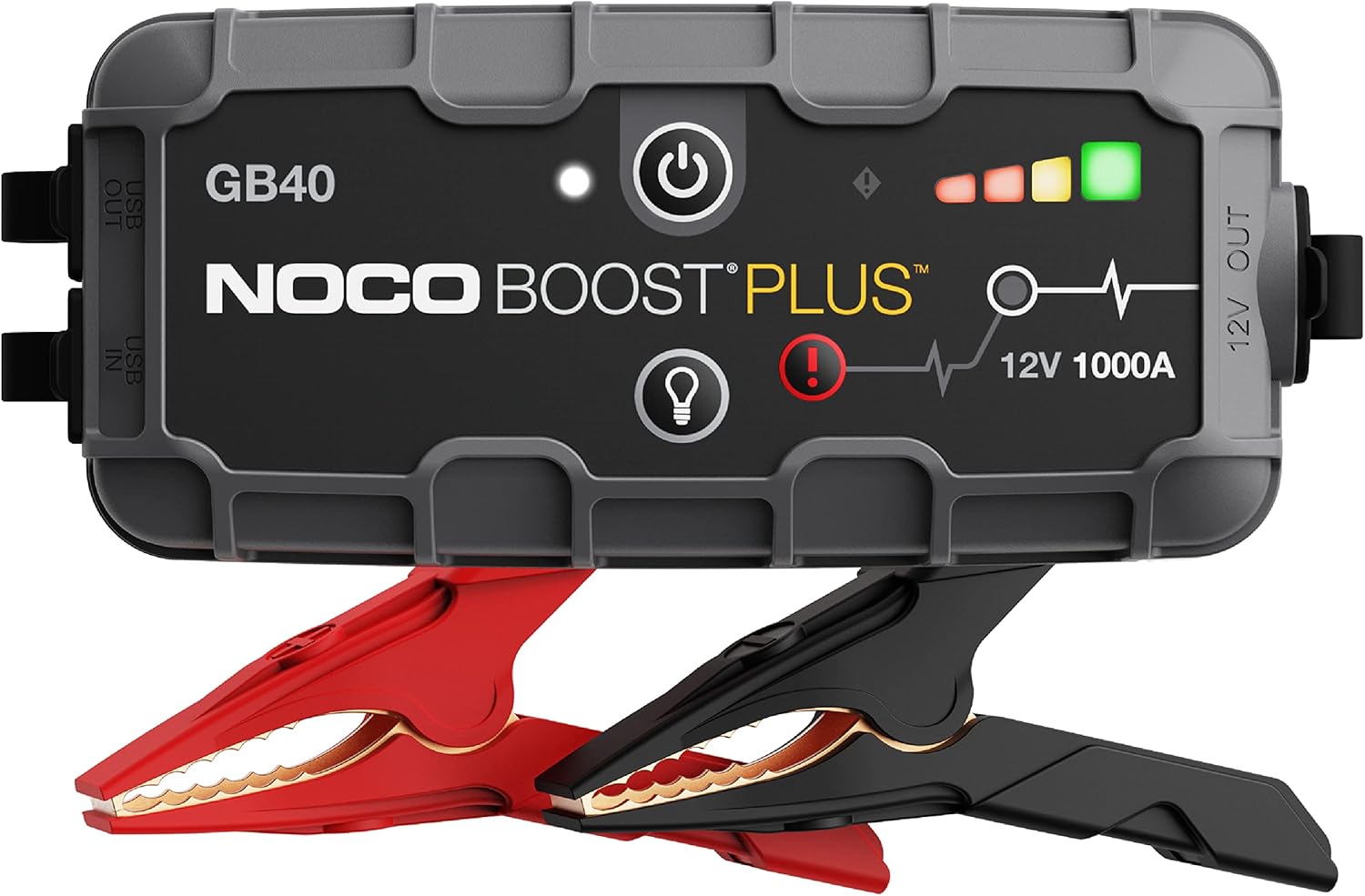

Compare diagnostic-tool options
Affiliate disclosure: We may earn a commission from qualifying purchases through these links, at no additional cost to you. As an Amazon Associate, we earn from qualifying purchases.
A scanner with compatible live data can help investigate unusual readings. Confirm vehicle coverage and instrument-cluster access before buying; basic engine-code readers may not provide either.
Compare the same model, included accessories, seller, shipping, return policy, and any app subscription. These links open retailer search results. Prices and availability must be checked there; no verified price winner is claimed.
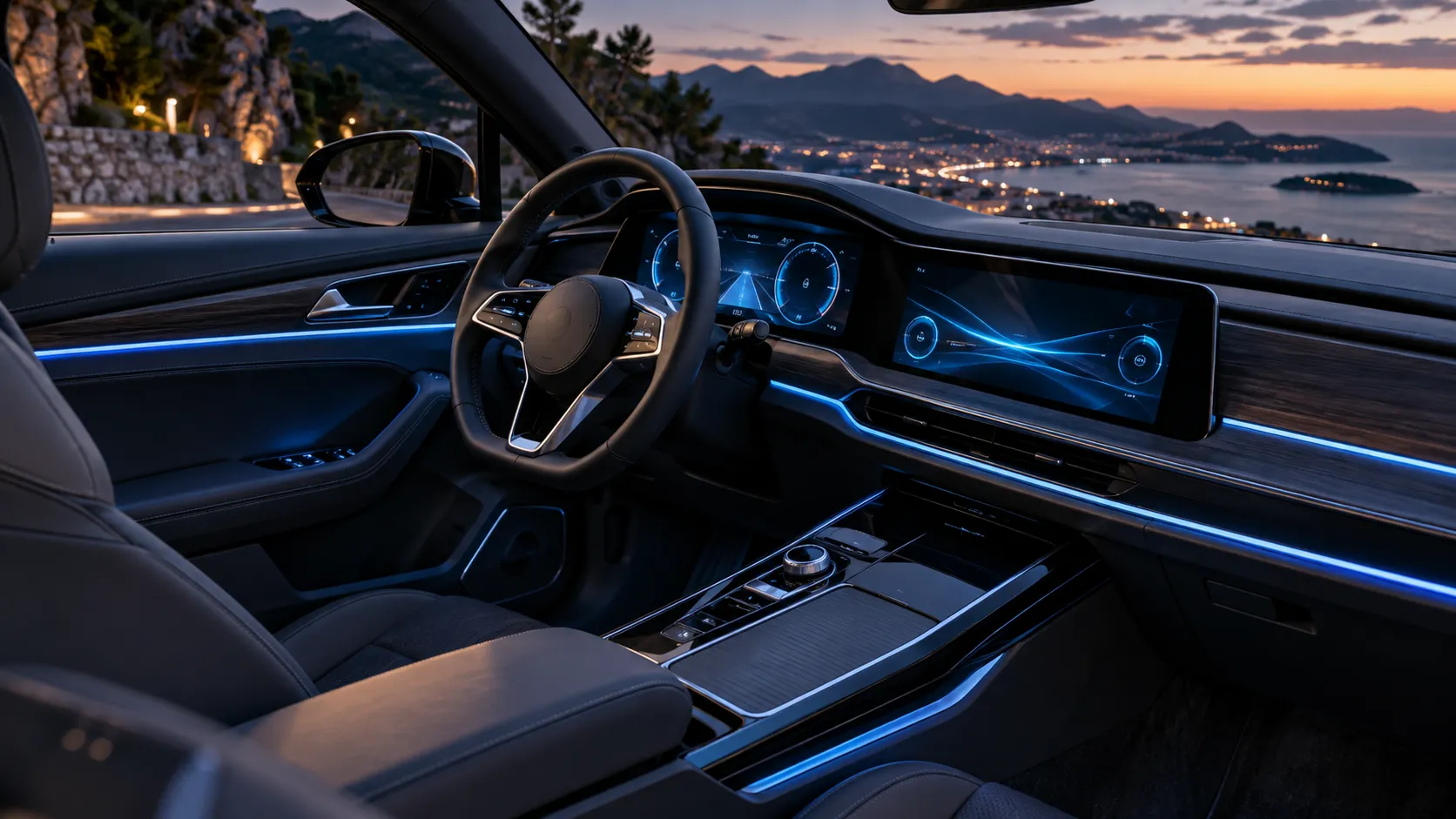
Digital gauges work by taking sensor data from the vehicle, sending it through control modules and the instrument cluster processor, then showing the result on a screen as numbers, bars, icons, or animations. Instead of moving needles, software updates the display in real time so you can read speed, RPM, fuel level, temperatures, warnings, and other key information.
If you’ve ever looked at a modern dashboard and wondered how the numbers appear so smoothly, you’re not alone. I’m Jake Morrison, and I’ll break down how digital gauges work in plain English, from the sensors under the hood to the screen in front of you.
We’ll cover what digital gauges show, how the data gets processed, why they sometimes behave differently than analog dials, and how to tell whether a problem is in the gauge cluster or somewhere else in the car.
What Digital Gauges Are and What They Show in a Vehicle
How digital gauge clusters differ from analog dials
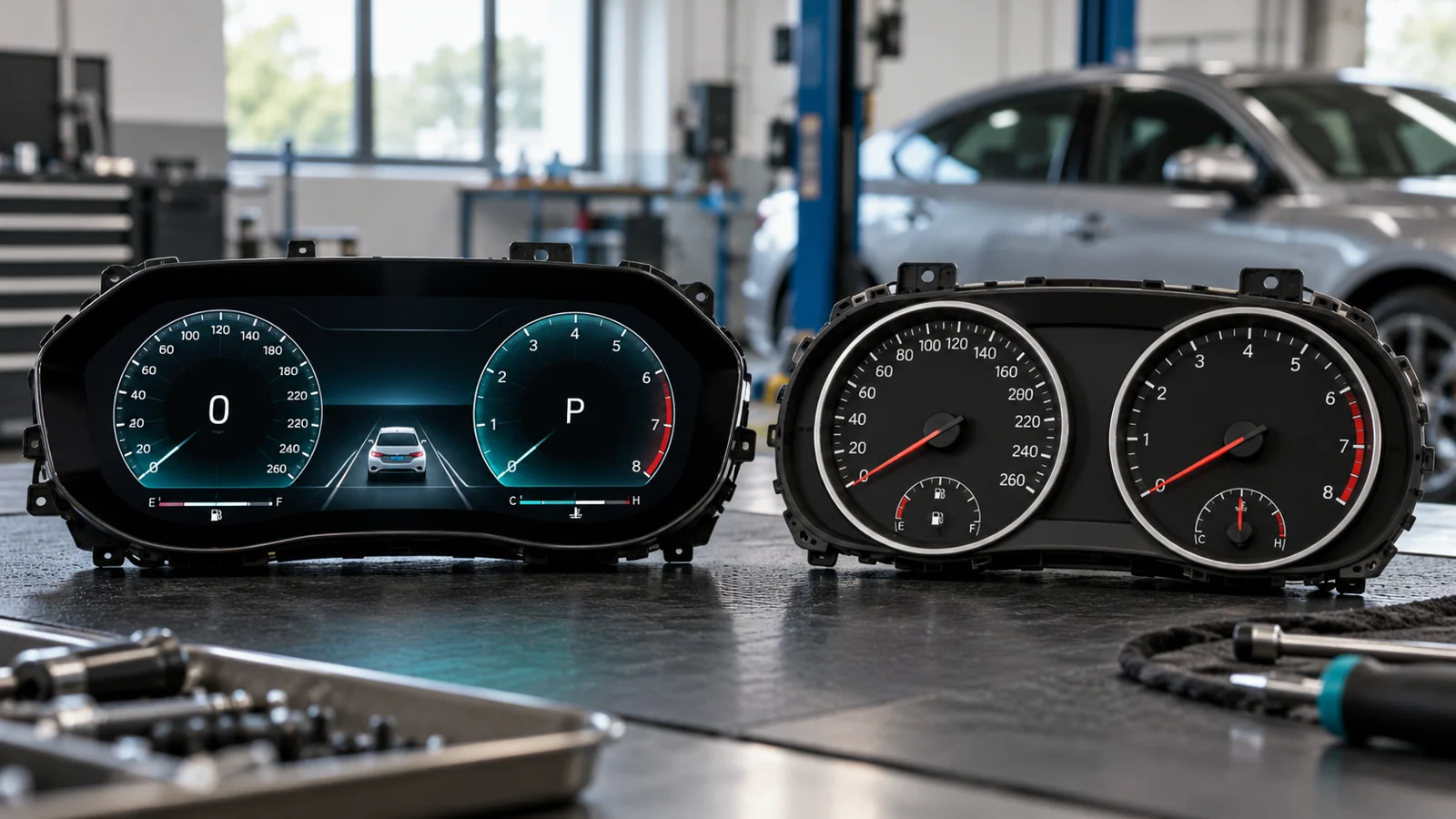
Digital gauge clusters replace physical needles and printed faces with an electronic display. In an analog cluster, a needle moves across a marked dial. In a digital cluster, software draws the gauge on a screen and updates it continuously.
The big difference is flexibility. A digital cluster can show one large speed readout one moment and a full set of gauges the next. Some systems even change the layout based on drive mode, navigation prompts, or driver preferences.
Common readings shown on digital dashboards
Most digital dashboards show the same core information you’d expect from a traditional cluster. That includes vehicle speed, engine RPM, fuel level, coolant temperature, gear position, odometer, trip data, and warning lights.
Many also show extra details like tire pressure, driver-assist alerts, navigation arrows, battery status on hybrids and EVs, and fuel economy information. On some vehicles, the display can also show performance data such as boost pressure, lap timing, or oil temperature.
Some digital clusters are not just displays. They also act as warning centers, combining information from several vehicle systems into one screen so the driver sees problems faster.
Why vehicles use digital gauge displays instead of traditional needles
Automakers use digital gauges because they can display more information in less space. They also make it easier to update layouts, highlight warnings, and support driver-assistance features.
There’s another advantage: software can prioritize what matters most. If the car detects a critical issue, the display can make that message bigger, brighter, or easier to notice than a small warning lamp on an older cluster.
How Do Digital Gauges Work Inside the Dashboard?
Sensors collect data from the engine, transmission, brakes, and other systems
The process starts with sensors. These parts measure things like vehicle speed, engine RPM, coolant temperature, oil pressure, throttle position, brake status, fuel level, and wheel speed.
Each sensor sends an electrical signal that changes based on what it is measuring. For example, a speed sensor creates a signal that changes as the wheels or transmission turn. A temperature sensor changes its output as heat rises or falls.
The vehicle control modules convert sensor signals into readable information
The raw signal from a sensor is not always something the gauge display can use directly. That’s where control modules come in. The ECU, BCM, transmission control module, and other systems interpret the signal and turn it into data the car can share.
In many vehicles, this information moves across the CAN bus, which is the communication network that lets modules talk to each other. The cluster does not have to guess what the sensor means. It receives a message that already says, in effect, “vehicle speed is 47 mph” or “coolant temperature is rising.”
The instrument cluster processor interprets and formats the data
Once the cluster receives the information, its processor decides how to show it. This is where the gauge logic lives. The processor may scale the data, smooth out small jumps, and decide which warning messages should appear first.
That processing step is why digital gauges can look so polished. The cluster is not just showing raw numbers. It is formatting the data into a display that is easy to read at a glance.
The display panel turns the processed data into numbers, bars, icons, or animations
The final step happens on the screen itself. Depending on the design, the panel may use LCD, TFT, or OLED technology to create the visuals you see. The cluster can display digits, bar graphs, warning icons, color changes, or even animated graphics.
Some vehicles use brighter colors or larger fonts for alerts. Others fade less important information into the background so your eyes go straight to the key readout.
Digital gauges may look simple on the surface, but they rely on several layers of electronics, software, and network communication to stay accurate.
The Main Parts That Make Digital Gauges Work
Speed sensors and vehicle speed signals
Wheel-speed or transmission-speed signals provide inputs that control modules can use to calculate vehicle speed. The exact source varies by model, so tire size, calibration, and faults in related systems can affect the result.
Engine sensors such as coolant temperature, oil pressure, and RPM inputs
Crankshaft information supports engine-speed calculations, while separate sensors monitor temperature and pressure where fitted. Some vehicles provide only an oil-pressure warning switch rather than a continuously measured pressure value.
The ECU, BCM, and instrument cluster control unit
Control modules interpret the inputs they manage and share relevant information. A cluster can also receive some signals directly. The wiring diagram and service information for the specific vehicle show which module owns each reading.
The LCD, TFT, or OLED screen and backlighting system
Many clusters use TFT LCD panels; TFT describes the transistor technology used to control LCD pixels. OLED is another display approach. Brightness, contrast, viewing angle, and thermal management all affect readability.
Wiring, CAN bus communication, and power supply
Power feeds, grounds, connectors, and network wiring all matter. A communication fault can interrupt information even when the screen still lights up. Diagnose with the correct service procedure before replacing modules.
| Part | What it does | Why it matters |
|---|---|---|
| Speed sensors | Measure wheel or transmission speed | Feeds the speedometer and trip data |
| Engine sensors | Monitor temperature, pressure, and RPM | Supports tachometer and warning displays |
| ECU / BCM / cluster module | Process and share vehicle data | Turns raw signals into readable information |
| Display panel | Shows the graphics, numbers, and icons | Creates the visual gauge you see |
| Wiring and CAN bus | Carry power and data between modules | Keeps the whole system connected |
If you want a reliable overview of how vehicle electronics are organized, the U.S. Department of Energy’s vehicle technology resources are a solid starting point. For broader vehicle safety and warning-light guidance, the National Highway Traffic Safety Administration is also useful.
For technical background, see CSS Electronics’ CAN bus introduction and Bosch’s cockpit integration overview. Architecture varies by vehicle.
Why Digital Gauges Sometimes Update Faster or Look Different Than Analog Gauges
Real-time data flow and processing speed
Digital gauges can update very quickly because they are driven by software and electronics rather than a mechanical needle. When the data changes, the screen can refresh almost immediately.
That said, “almost immediate” still depends on the vehicle’s network speed, module processing power, and display design. A fast system feels crisp. A slower one may seem a little soft or delayed.
Software-based gauge smoothing and filtering
Many digital clusters smooth out tiny fluctuations so the display does not jump around. This is useful because some sensors send data that changes a little from moment to moment.
For example, speed may be filtered so the number does not bounce by 1 mph every second. That makes the display easier to read, but it can also make the gauge feel less “live” than an analog needle.
Display customization, themes, and warning prioritization
Digital clusters can change their look based on drive mode, lighting conditions, or driver settings. A sport mode might show a larger tachometer. A comfort mode might emphasize fuel economy. A warning event can override both.
Why some readings may feel delayed or “digitally averaged”
Some drivers notice that digital gauges do not react exactly like analog ones. That is usually because the system is averaging data, filtering noise, or waiting for a stable signal before updating the display.
This is not always a flaw. In many cases, it is a design choice meant to improve readability and reduce distracting flicker.
If a digital gauge changes slowly and the car also feels wrong to drive, do not assume it is just a display issue. A delayed reading can sometimes point to a real sensor or communication problem.
Common Problems That Affect How Digital Gauges Work
Dim display, dead pixels, or flickering screens
A dim or flickering cluster can be caused by a failing backlight, a weak power supply, loose wiring, or an aging display panel. Dead pixels or dark spots usually point to screen damage or internal display wear.
Incorrect readings caused by sensor or wiring faults
If the gauge shows the wrong speed, temperature, or fuel level, the problem may start with the sensor, not the screen. Corroded connectors, damaged wiring, or a failing module can also send bad information to the cluster.
Frozen clusters, error messages, or intermittent power loss
When the display freezes, resets, or goes blank at random, the issue may be related to voltage, ground connections, or a module communication fault. In some cases, the cluster is fine but is not receiving stable power.
Software glitches after battery replacement or module failure
Some vehicles need a relearn, reset, or calibration after battery work. If the cluster acts oddly after a battery replacement, the issue may be software-related rather than mechanical.
Module failures can also create strange symptoms. A bad ECU, BCM, or gateway module can interrupt the data stream the cluster depends on.
Your digital gauges go blank, show multiple false warnings, or stop matching how the vehicle actually behaves. Those are signs the issue may involve the sensor network, power supply, or control modules, and it is worth a proper diagnostic scan.
Tips to Keep Digital Gauges Accurate and Reliable
Watch for warning lights and cross-check unusual readings
If a gauge looks wrong, compare it with the car’s behavior. If the temperature gauge says the engine is cold but the car is overheating, trust the warning signs and stop driving if needed.
Keep the battery and charging system in good condition
Low voltage is hard on electronics. A weak battery or charging problem can cause display glitches, warning lights, or cluster resets.
Protect the cluster from moisture, heat, and voltage spikes
Water intrusion, extreme heat, and poor jump-starting practices can damage the electronics behind the dash. That is especially true in vehicles with large integrated screens.
Use proper diagnostics when a gauge reading seems wrong
A scan tool can help confirm whether the problem is in the sensor, wiring, module, or cluster. Guessing can lead to unnecessary parts replacement.
Check for software updates or dealer calibration when needed
Some digital clusters need updates or calibration procedures after repairs. If the vehicle manufacturer has a technical service bulletin or software update, it may fix the issue without replacing the whole cluster.
- Have a technician compare unusual speed readings with appropriate diagnostic equipment; road feel cannot verify speedometer accuracy.
- Check battery health before chasing a cluster problem.
- Look for related warning lights, not just the gauge that appears wrong.
- Scan stored codes before replacing expensive dashboard parts.
- Keep the owner’s manual handy so you know what each digital warning means.
Pros and Cons of Digital Gauges in Modern Vehicles
Benefits: readability, customization, and integrated warnings
Large digits and carefully arranged warnings can make information easier to read. Drivers should choose layouts while parked and keep brightness comfortable for night driving.
Benefits: multiple data displays in one screen
A shared display can combine familiar gauges with navigation or trip information. The usefulness depends on the vehicle’s layout and the driver’s ability to find essential information quickly.
Drawbacks: repair cost, complexity, and screen failure risk
A failed integrated cluster can require specialist repair, replacement, coding, or immobilizer matching. Obtain a diagnosis and a written repair estimate before ordering a replacement.
Drawbacks: visibility issues in sunlight or at night on some systems
Reflections, sunglasses, poor brightness settings, or aging components can reduce visibility. Check the dimmer and display settings while parked before assuming the panel has failed.
- Clear, easy-to-read numbers
- Custom layouts for different driving needs
- Useful warning messages and icons
- Space for extra vehicle data
- Expensive repairs if the screen fails
- More software and module complexity
- Possible glare or poor contrast in some conditions
- Potential for glitches after electrical problems
How to Tell If a Digital Gauge Issue Is the Gauge or the Car’s Sensor System
Signs the problem is likely a sensor
If only one reading is wrong, and the rest of the cluster works normally, the sensor is a likely suspect. For example, a bad coolant temperature sensor may cause one bad reading while speed, RPM, and fuel level still look normal.
Signs the problem is likely the cluster or display
If multiple gauges fail at once, the screen flickers, or the cluster cuts out completely, the problem may be in the display unit, power supply, or communication network. A sensor issue usually does not take down the whole dashboard.
When an OBD-II scan tool can confirm the fault
An OBD-II scan tool with supported live data can help compare sensor readings with the cluster. Basic readers may not access instrument-cluster modules or manufacturer-specific faults. If the scan tool says the engine is at 2,000 RPM but the cluster says 0, that discrepancy warrants further checks of the cluster, communication path, and supported data; it does not by itself prove which part has failed.
When professional diagnosis is the smarter move
Some problems need more than a basic code reader. If the vehicle has intermittent failures, multiple warning lights, or a cluster that has been replaced or reprogrammed before, a technician with factory-level diagnostic tools may be the best option.
Digital gauges work by turning sensor data into software-driven graphics on a screen. They are fast, flexible, and easy to read, but they also depend on sensors, wiring, modules, and power quality. When a digital gauge acts up, the problem may be the display, the data source, or the communication between them.
They receive data from sensors and control modules, then a processor formats that data for a screen. The display shows the information as numbers, bars, icons, or animations.
They can be very accurate, but accuracy depends on the sensors and software behind them. An analog gauge can also be accurate if the system feeding it is working correctly.
Many systems smooth or filter the data to keep the display stable. That can make the readout feel a little delayed compared with a moving needle.
Yes. Low voltage can cause resets, flickering, warning lights, and communication errors in the cluster and other modules.
Compare it with a scan tool or a trusted diagnostic reading, then check for sensor, wiring, or module faults. If the reading is far off, have the vehicle inspected before continuing to drive it.
Sometimes. Repairs may involve the display, power supply, wiring, software, or the entire cluster depending on the failure.
- Digital gauges use sensors, control modules, and a screen to show vehicle data.
- The cluster processor formats raw signals into readable visuals.
- CAN bus communication helps modules share information quickly.
- Digital gauges can look different from analog ones because software filters and customizes the display.
- Problems may come from the sensor, wiring, cluster, power supply, or software.
- Scan tools and proper diagnostics help pinpoint the real cause before parts are replaced.