
Affiliate disclosure: As an Amazon Associate, we earn from qualifying purchases. We may also earn a commission through Walmart links, at no extra cost to you.
Premium car electronics • Research-based buying guide
THINKWARE U3000 PRO: buy the setup that fits your parking routine
This THINKWARE U3000 PRO review focuses on the decisions that matter before checkout: front and rear coverage, parking power, storage and optional remote access. A premium camera makes more sense when the whole installation fits your car and budget.
Retailer search links. Exact offers, availability and live retailer prices have not been verified. Check the model, seller and included accessories.
Shortlist the U3000 PRO if you want a premium front-and-rear recording system and are prepared to plan the parking-power installation. Compare a simpler camera if you mainly need a basic driving record. The strongest reason to buy is a defined coverage need, rather than the longest feature list. This is a documentation-based review; we have not road-tested this camera.
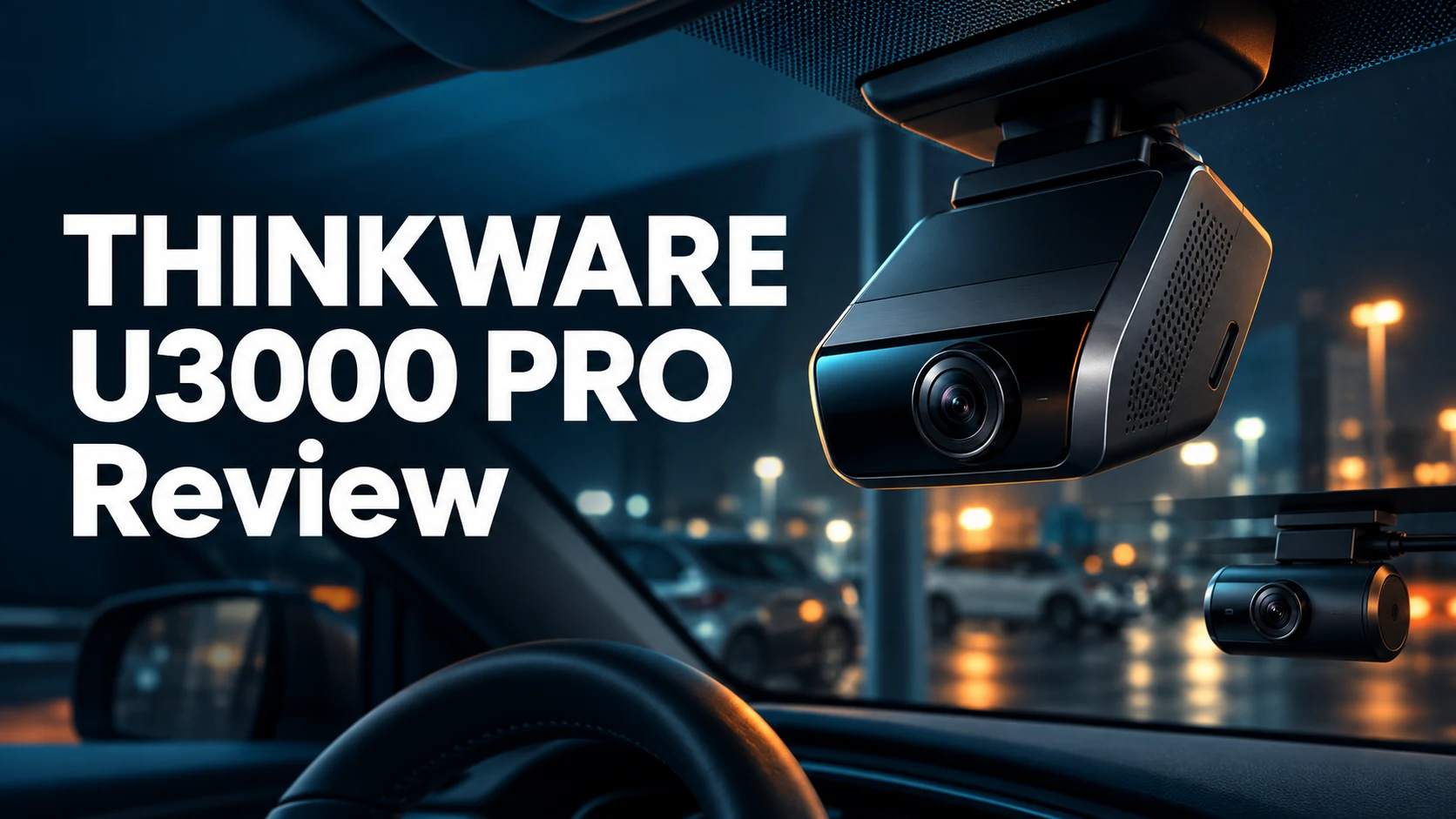
Featured image: AI-generated editorial illustration of generic cameras, not a photograph of the actual THINKWARE product.
Who should consider the U3000 PRO?
A driver who leaves a valuable car in shared parking may prioritize a record of parked incidents. A frequent commuter may care more about saving a useful clip quickly. Before spending premium money, decide which problem you need to solve and how you expect to retrieve the footage.
Our buying preference is to choose the required coverage first, then the power arrangement, and only then the retailer. Front-and-rear coverage can be more useful than adding connected extras to a front-only purchase when your main concern is activity behind the vehicle. Neither configuration records every angle around a car.
THINKWARE U3000 PRO specifications that matter
| Item | Manufacturer specification | What to decide |
|---|---|---|
| Front recording | 4K at 30fps or 2K at 60fps | Prioritize resolution or frame rate. |
| Rear recording | 2K at 30fps in the rear-camera configuration | Confirm the rear camera is in your package. |
| Image sensors | Sony STARVIS 2, front and rear | Assess real footage as well as specifications. |
| Storage | Up to 512GB microSD | Choose a supported card and useful recording window. |
| GPS and radar | Built in | Check which operating modes match your needs. |
| Cabin-camera option | Optional interior camera; cannot be used simultaneously with the LTE module | Resolve cabin coverage versus LTE before ordering. |
Source: THINKWARE U3000 PRO product specifications, checked October 30, 2026.
How to judge the recording upgrade
The advertised resolution is a useful starting point, but it cannot promise a readable license plate in every scene. Lighting, relative movement, viewing angle, distance and windshield reflections can all change the result. Look for original sample files that resemble your usual routes before deciding how much extra image detail is worth to you.
During your return window, inspect harmless sample recordings on a larger screen. Check whether nearby signs and vehicles look useful under the conditions you actually encounter. Also practice saving a file. A camera that is awkward to retrieve footage from may be a poor fit even when its specification sheet looks impressive.
Parking mode: plan the power before buying
THINKWARE’s quick-start guide requires an OBD-II power cable or a hardwiring cable for Parking Surveillance, and recommends professional installation for hardwiring. Supplied cable options vary by package. Its settings also include a vehicle-dependent battery cut-off arrangement; follow the current instructions for your installation.
Ask an installer to explain what happens after you switch the engine off, what stops the camera drawing power, and how the setup behaves when the car is left unused. A general product review cannot select the correct wiring route or settings for every vehicle. Keep cables clear of controls and airbag deployment areas.
“Will it record while parked?” and “Will my phone receive a remote alert?” need separate answers. Start with a suitable power installation. Then check the connectivity hardware and service required for the remote features you want.
Installation source: official U3000 PRO quick-start guide.
Think about your normal parking pattern
Write down whether you usually leave the car for a few hours, overnight or several days. Give that pattern to the installer when discussing power options. Do not assume an accessory described as suitable for parking delivers unlimited runtime. Your buying decision should include the practical limits of the chosen power source and the maintenance it requires.
LTE connectivity is an optional purchase decision
THINKWARE’s support documentation distinguishes this model from the older U3000: the U3000 PRO requires an external LTE module for THINKWARE CONNECTED and does not use the separate hotspot method described for certain other models. Local phone pairing should not be confused with remote internet access.
Before choosing an LTE bundle, ask which service plan is included, how long it lasts, what happens afterward and whether coverage suits your parking location. Include any future plan or data cost in your ownership budget. We do not quote a fixed monthly fee because service packaging can change.
THINKWARE also notes that remote access is unavailable during Radar Parking or Energy Saving mode while the communication chipset is off; an impact can wake the unit to send a notification. Continuous communication is described for Motion Detection or Time Lapse mode. Choose the mode around the behavior you need.
Sources: CONNECTED registration requirements and app and parking-mode guidance.
Memory card size: decide how much history you need
THINKWARE’s recording-time table lists 125 minutes for a 64GB card and 1,016 minutes for a 512GB card with front-and-rear recording in the stated U3000 PRO modes. These are manufacturer figures for its cards, not results from our testing. The table lists different durations for front-only recording.
Use recording history to choose capacity rather than buying the smallest card automatically. Someone who checks clips each day has different needs from a driver who wants to review an entire trip later. Save important files promptly instead of relying on a loop-recording card as permanent storage.
Check THINKWARE’s current card compatibility and formatting instructions before ordering. A card recommended for a different camera is not automatically the right recommendation here. Preserve files you need before formatting, and periodically confirm that recent recordings are present and playable.
Source: THINKWARE recording-time table.
Compare the complete bundle on Amazon and Walmart
The official US store lists both front-only and front-and-rear configurations, with different power and LTE bundle choices. A lower headline price can therefore describe a different system. Use the exact configuration as the basis of your comparison.
| Compare at both retailers | What your checklist should say |
|---|---|
| Exact model | U3000 PRO; exclude older models and accessory-only results. |
| Camera coverage | Front only, front plus rear, or an explicitly listed cabin-camera option. |
| Power accessories | Which cable is included, and whether installation costs extra. |
| Storage and extras | Included card capacity, LTE hardware and any service period. |
| Seller and condition | New or renewed, seller identity and warranty eligibility. |
| Final total and returns | Tax, shipping, missing accessories and return conditions. |
Do not count an unneeded accessory as a saving. Compare the delivered total of the parts you will actually use, plus installation. If the listing is unclear about a rear camera or power cable, resolve that question before checkout rather than assuming the product photo shows everything included.
Open both searches, select matching packages and compare the final totals. Neither retailer is declared cheaper here; search results may include other products or unavailable offers.
Configuration reference: official US front-and-rear bundle listing.
What to check during the return window
- Confirm the contents. Match the received model, cameras, card and cables to the listing.
- Check the fit while parked. Inspect front and rear framing before making the mounting arrangement permanent.
- Learn file retrieval. Find, play and save a harmless sample clip using the intended workflow.
- Review the parking setup. Have the installer explain the chosen power and cut-off behavior.
- Evaluate optional connectivity. Check the selected service and mode in your normal parking location.
- Keep documentation. Retain the receipt, seller information and accessory model numbers.
Change one setting at a time if something behaves unexpectedly. Note the mode, power state and exact symptom before contacting support. That makes it easier to distinguish a configuration issue from a missing accessory or a faulty component.
Our buying recommendation and an alternative
Our recommendation is conditional: choose the U3000 PRO when the front-and-rear system and planned parking setup justify the overall cost. Pause if the purchase depends on remote monitoring but you have not priced the LTE hardware and service. Those extra decisions can matter more than a small retailer discount.
If you prefer a premium front-facing option with on-device touchscreen controls, read our Garmin Dash Cam X310 review. Compare the workflow and coverage you need rather than treating either model as the automatic winner. You can browse our Car Electronics guides for more vehicle-tech buying advice.
Frequently asked questions
Is this a hands-on THINKWARE U3000 PRO review?
No. We checked the linked manufacturer documentation and assessed the buying decisions. We have not tested image quality, parking duration, app reliability or real-world notification speed.
Does every U3000 PRO listing include a rear camera?
No. Front-only and front-and-rear configurations are listed separately. Confirm the cameras and accessories included in the specific retailer offer.
Can I use a normal hotspot for CONNECTED on this model?
THINKWARE specifies the external LTE-module connection for the U3000 PRO. Do not apply the older U3000’s hotspot instructions to this model.
Is a larger memory card always the best buy?
Choose a compatible card based on the recording history you need and your budget. A larger card does not remove the need to preserve important clips and check recordings periodically.
Is Amazon or Walmart cheaper?
We have not verified live retailer offers. Compare matching configurations, seller terms and delivered totals using the two retailer searches above.
About the author: Jake Morrison writes automotive product buying guides for Best Auto Products. Manufacturer specifications and support information were checked October 30, 2026. Recommendations are editorial judgments, separate from hands-on test results.